 Captain Dost One
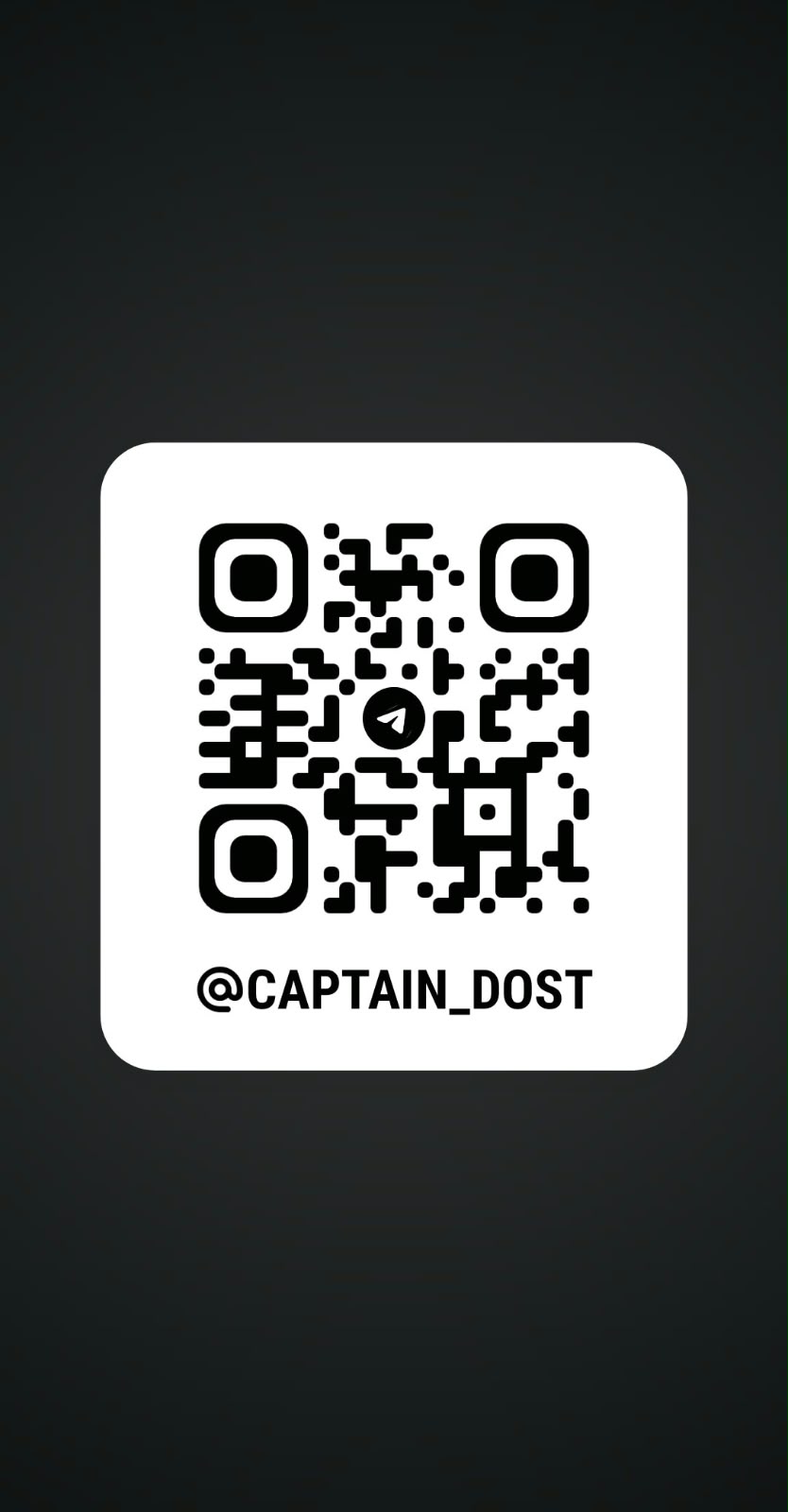
Telegram support
Use the Captain Dost admin chat for account and setup questions. Please do not send passwords, OTPs, payment details, or unnecessary personal documents.
You can also write to captaindostsupport@gmail.com. This is the current official support email.
What to include in your message
- The Google email you used to sign in (never your Google password or OTP).
- Whether you need a new approval, renewal, or a phone reset.
- A screenshot of the error, if you see one.
- The app version shown on your phone.
Common answers
My account is pending.
This is expected for new users. Choose your requested duration in the app, then message support with the Google email you signed in with.
I changed my phone.
Message support from your registered account. After verification, the administrator can reset the old phone registration.
Google sign-in does not open.
Check that Google Play services are current, verify your internet connection, then reopen the app. Send a screenshot to support if it continues.
My access has expired.
Open the app and use Refresh Status. If it still shows expired, request a renewal from support.